Shared data is now called Lists
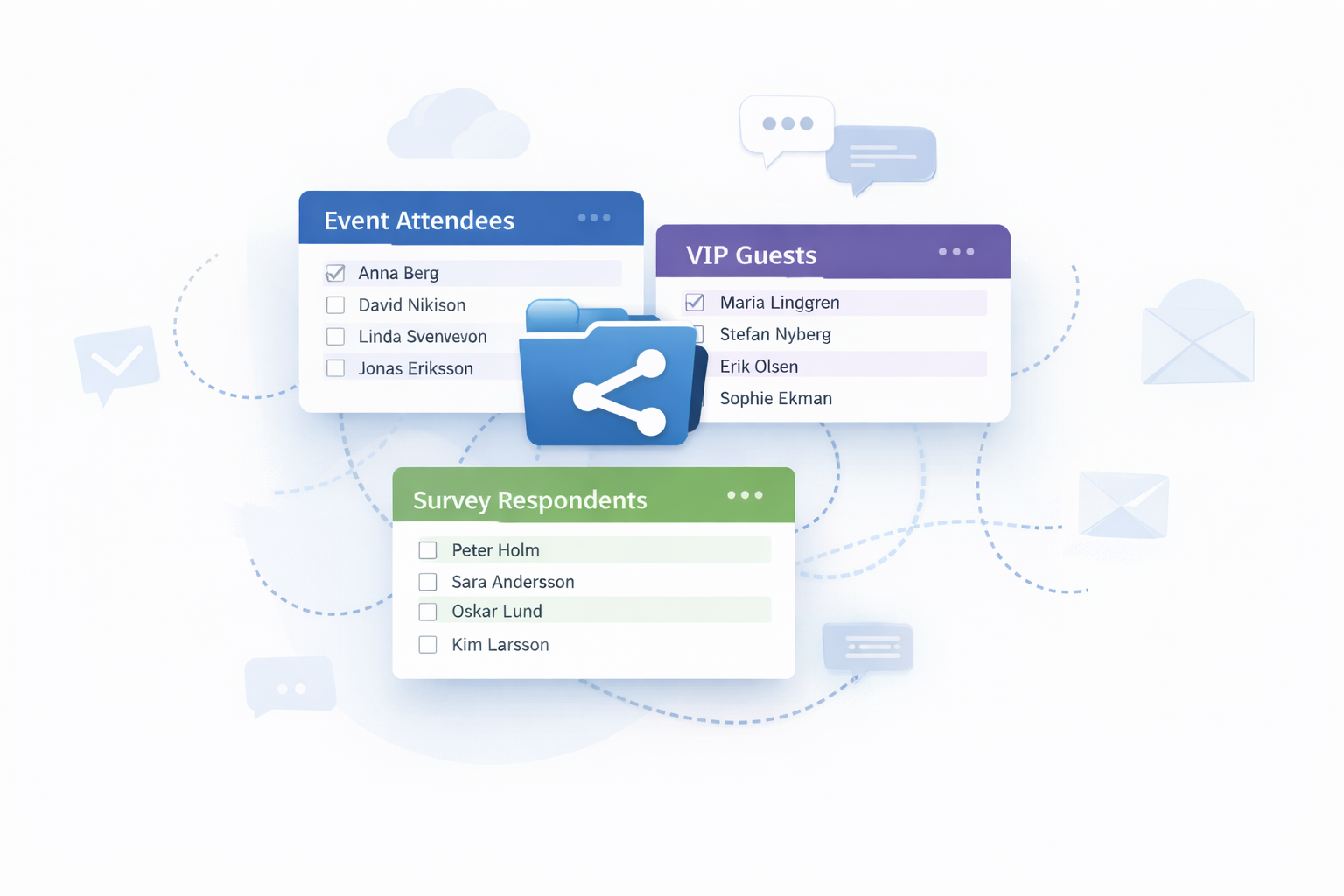
We have made a major upgrade to our much appreciated Shared data feature and given it a simpler and clearer name. It is now called Lists.
When you create a list you can choose between two types.
A Participant list shows selected fields for each participant.
A Summary shows aggregated numbers based on selected fields without exposing any participant data.
You can base a list on all participants, all registered participants, or on a specific segment or search.
You can always add, reorder or remove fields so the list shows exactly what you need.
Format and transform data directly in the list
One of the biggest improvements is that you can now format and transform data directly inside the list.
For example you can convert values to uppercase, add text before or after a value, or replace one value with another such as Mr or Mrs.
We have also added a ready made conversion for flight data that formats names according to the international airline standard used by most airlines.
Secure sharing
You can as before share your lists with others.
Access is always protected by login and limited to a defined time period, ensuring that no personal data can be accessed without permission.
You also decide if invited viewers are allowed to download the data as Excel.